A GUIDE TO HIGH-QUALITY DIGITAL AUDIO
High-resolution streaming isn't always high-resolution playback
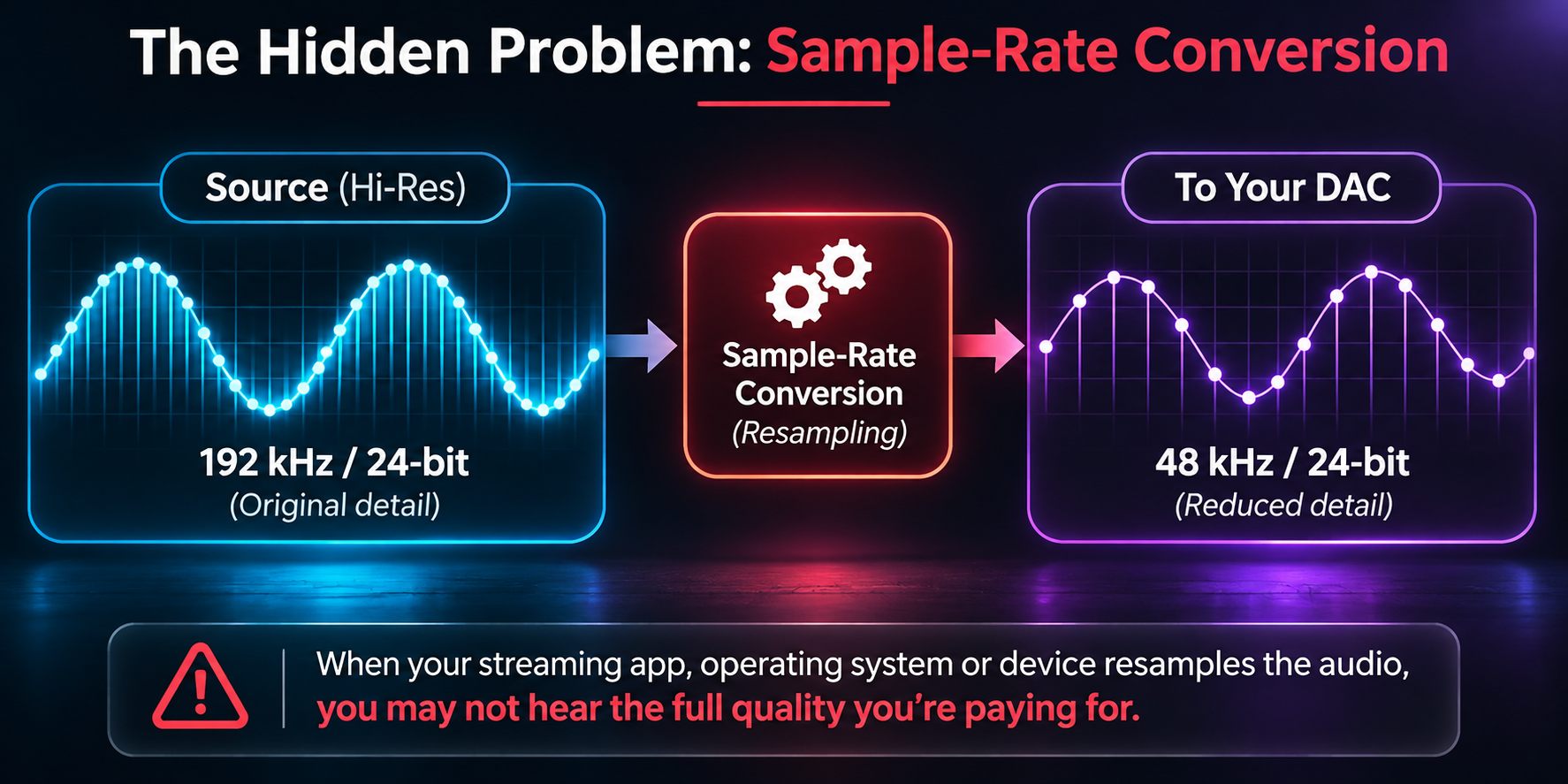
Modern streaming services offer lossless music at up to 24-bit/192 kHz. However, your streaming service, computer, software and DAC must work together to reproduce the recording at its original resolution.
Analog Clinic recommends TIDAL and Qobuz for high-quality digital listening, particularly when using a MacBook with an external USB DAC.
The hidden problem: sample-rate conversion
Digital recordings use different sampling rates, commonly 44.1, 48, 96 and 192 kHz, plus 88.2 and 176.4 kHz.
On a Mac, Audio MIDI Setup controls the DAC's output format. Unless the playback application automatically changes this setting to match each track, macOS may upsample or downsample the music.
Setting the DAC in the Audio MIDI Setup permanently to 192 kHz is not the solution. A 44.1 kHz recording may simply be converted to 192 kHz before reaching your DAC.
A DAC displaying 192 kHz does not necessarily mean you are hearing a native 192 kHz recording. I tested this with various DACs and even though they reported 24/192 they were in fact receiving upsampled streams.
Manually changing Audio MIDI Setup for every recording is impractical for everyday listening.
Why we recommend TIDAL and Qobuz
TIDAL: Offers genuine lossless FLAC up to 24-bit/192 kHz. Its desktop application supports Exclusive Mode, which allows automatic sample-rate switching when used with a compatible DAC. You need to enable Exclusive Mode and, where appropriate, Force Volume.
Qobuz: Also offers genuine high-resolution FLAC up to 24-bit/192 kHz. Its desktop application supports automatic sample-rate switching with compatible DACs, eliminating the need to constantly adjust Audio MIDI Setup.
Here are the TIDAL settings you need to make.
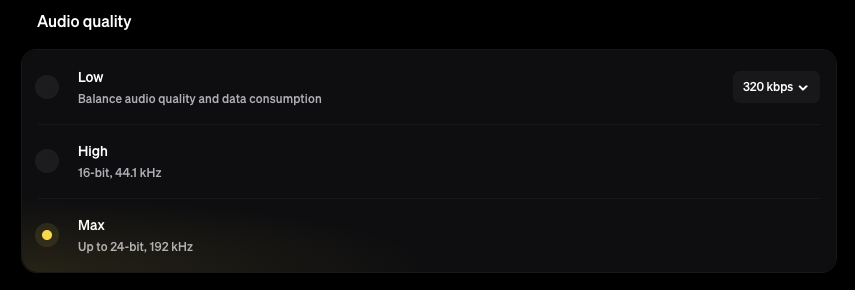
In TIDAL's desktop settings, select Max streaming quality to access the highest available resolution.
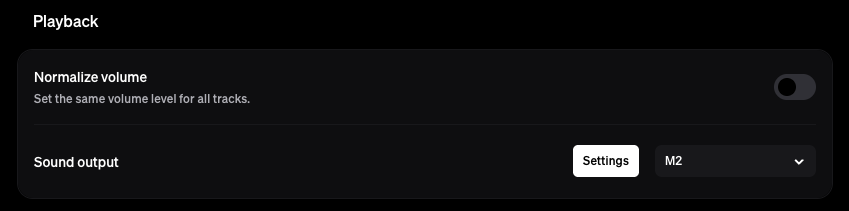
Under Playback, turn Normalize Volume OFF to avoid unwanted adjustments to the original recording level.
Under Sound Output, select your external DAC from the dropdown menu rather than the MacBook's built-in audio. Then click settings.
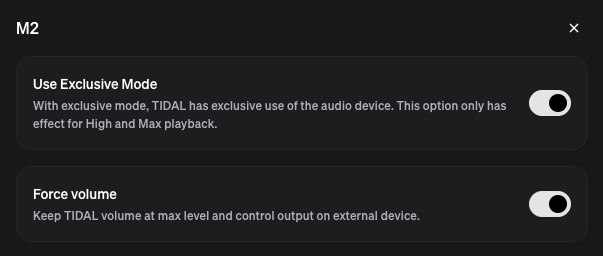
Enable Exclusive Mode. This allows TIDAL to control the audio device and automatically match its sample rate to the recording.
Optionally enable Force Volume to keep TIDAL's output at maximum and control listening levels using your DAC, preamplifier or amplifier.
Important: Only enable Force Volume if you have a suitable external volume control. Some DACs have fixed-level outputs, and enabling this option could produce uncontrolled high playback levels.
What about other streaming services?
Apple Music: Offers genuine high-resolution lossless audio but lacks automatic sample-rate switching in its native Mac application. Manual adjustment or third-party software such as LosslessSwitcher is required to match the output to each track. So another imperfect solution.
Amazon Music: Offers genuine high-resolution source files, but its desktop playback software has documented sample-rate switching limitations. Analog Clinic's own Mac testing confirms that a DAC can display a higher sample rate than the original recording.
These limitations concern the playback software, not necessarily the quality of the streaming service's original files.
Amazon Music: Documented Limitations with High-Resolution Playback
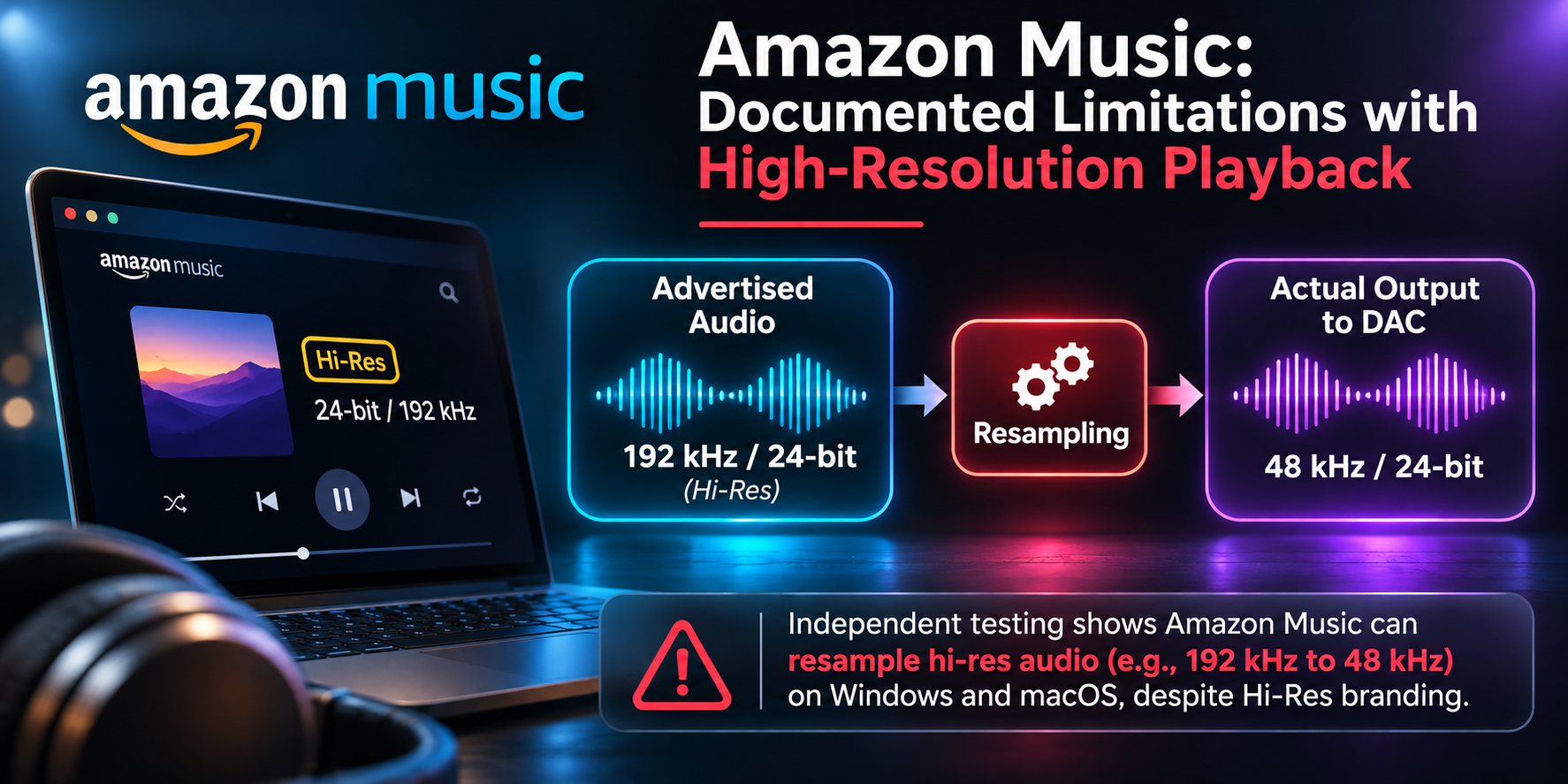
Amazon Music offers genuine lossless and high-resolution recordings up to 24-bit/192 kHz. However, a significant limitation in its desktop applications can prevent the original audio from reaching your DAC without alteration.
The problem is automatic sample-rate switching. Unlike TIDAL and Qobuz, Amazon Music's desktop application does not reliably change the DAC's sampling rate to match each recording, even when Exclusive Mode is enabled.
Consequently, a recording originally sampled at 44.1 kHz may be upsampled to 192 kHz, or a 192 kHz recording downsampled to 44.1 kHz, depending on the computer's audio output settings. The DAC reports the resulting output rate, not necessarily the original recording's rate.
The issue has also been independently documented on Windows. In February 2026, a user submitted detailed hardware measurements to Amazon demonstrating that Exclusive Mode locked the audio device but failed to switch its sampling rate. On March 11, 2026, the user reported receiving confirmation from Amazon's engineering team that automatic sample-rate switching and true bit-perfect playback were not supported in the Windows desktop application and were under consideration for future development.
Analog Clinic's own testing confirms the same limitation on macOS. I extensively tested Amazon Music using a MacBook and several external DACs, and consistently found that the application failed to switch the output sample rate to match the recording. Instead, the DAC remained at the sample rate configured in macOS Audio MIDI Setup, resulting in unnecessary resampling whenever the source rate differed. In my view, this makes Amazon Music's desktop application unsuitable for anyone seeking reliable, unaltered high-resolution playback.
Our conclusion: Although Amazon Music offers genuine high-resolution recordings, limitations in its desktop playback software mean customers cannot be confident they are hearing the original audio without resampling. For serious hi-fi listening, Analog Clinic recommends TIDAL or Qobuz, both of which support automatic sample-rate switching with compatible DACs.
At the time of writing, TIDAL is also a dollar cheaper per month than Amazon Music Unlimited for non-Prime subscribers, or the same price for Amazon Prime members. Given the broadly comparable music catalogues and TIDAL's more reliable high-resolution playback capabilities, switching to TIDAL is an easy recommendation.
Migrating playlists is straightforward, too. I personally subscribed to TuneMyMusic for one month ($5.50 at the time of writing) and transferred all my Amazon Music playlists to TIDAL. Approximately 99% of the tracks transferred successfully, with only a handful requiring manual correction, primarily because of differences in album releases or track versions.
The bottom line: There is little reason to compromise on playback quality when a better-configured alternative costs the same or less, and transferring your music library is mostly painless.
Recording onto analog tape
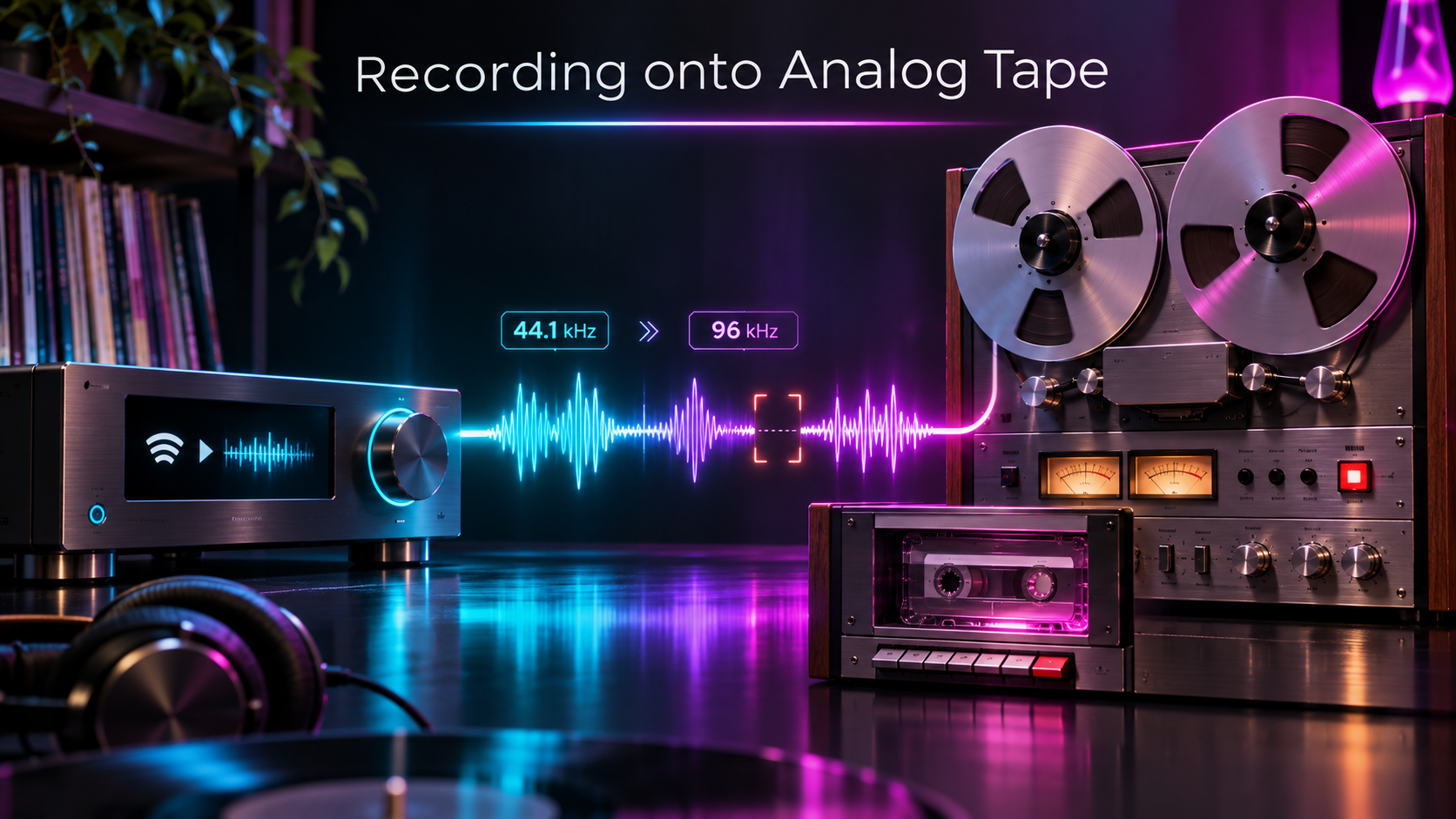
Automatic sample-rate switching is desirable for accurate digital playback, but it can introduce an unexpected problem when recording onto analog media.
When switching between recordings with different sample rates, some DACs briefly mute their outputs while re-synchronizing. In my own testing I've experienced instances where the first fraction of a second of the following track was lost.
While this is usually a minor inconvenience during listening, it can be a significant issue when recording a continuous playlist onto cassette or reel-to-reel tape.
For uninterrupted recording, consider setting TIDAL to High (16-bit/44.1 kHz) rather than Max. This maintains a consistent output sample rate while preserving lossless CD-quality audio, avoiding the need for the DAC to switch between different sample rates.
Alternatively, select tracks with matching sample rates or test your DAC's behavior before recording a complete playlist.
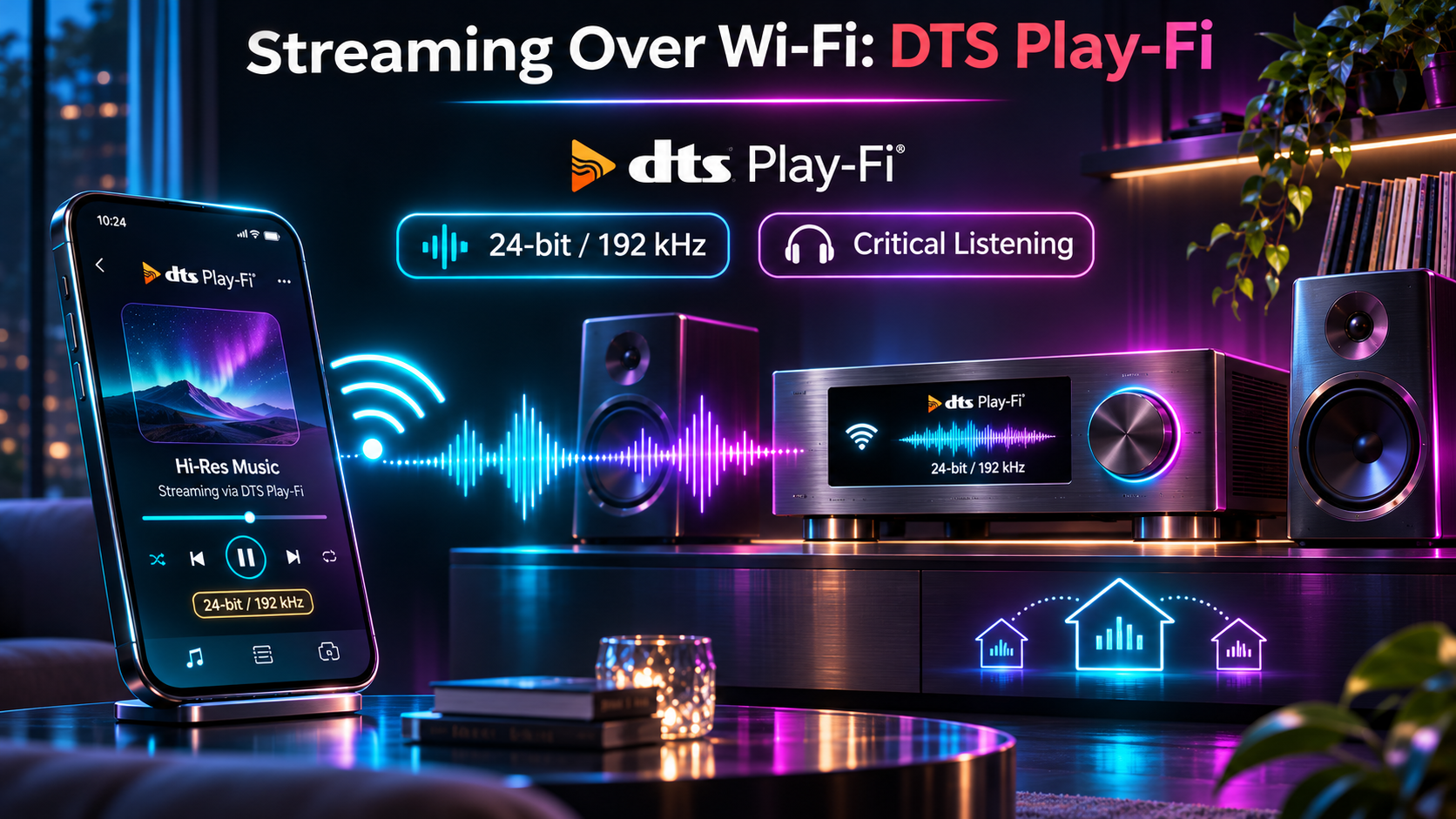
Streaming Over Wi-Fi: DTS Play-Fi
DTS Play-Fi is a wireless audio streaming technology incorporated into selected hi-fi receivers, amplifiers and dedicated music streamers.
Unlike conventional computer audio playback, compatible Play-Fi devices can stream music directly from services such as TIDAL, Qobuz and Amazon Music, avoiding the MacBook audio configuration issues described earlier.
For the best sound, enable Play-Fi's Critical Listening mode. This supports playback up to 24-bit/192 kHz without downsampling, provided the connected Play-Fi equipment supports that resolution.
Standard versus Critical Listening: In normal multiroom operation, DTS Play-Fi may downsample high-resolution audio to a maximum of 16-bit/48 kHz to maintain reliable streaming and synchronization between devices. In Critical Listening mode, compatible Play-Fi equipment supports native high-resolution playback up to 24-bit/192 kHz without this downsampling. For the best fidelity, use a single compatible Play-Fi device in Critical Listening mode.
Gapless Playback and DAC Synchronization
DTS Play-Fi supports gapless playback on compatible equipment, including in Critical Listening mode. This allows consecutive tracks to play without artificial pauses, which is particularly beneficial for live albums, classical music and recording continuous playlists onto analog tape.
However, gapless playback does not necessarily guarantee uninterrupted analog output when tracks have different sample rates. Some DACs briefly mute their outputs while synchronizing to a new digital signal, potentially introducing a short silence or clipping the beginning of the next track.
Similar behavior has been documented with TIDAL on other digital playback systems, although I have not found conclusive evidence that this is a specific problem with current DTS Play-Fi software.
Our advice: If you intend to record continuous playlists onto cassette or reel-to-reel tape, test transitions between recordings with different sample rates before beginning your recording session. The behavior may vary depending on the particular streamer, DAC and software configuration.
Our recommendations:
TIDAL and Qobuz: Excellent choices for high-resolution streaming through Play-Fi.
Amazon Music: Also a good option through Play-Fi, which can bypass the sample-rate switching limitations found in Amazon's desktop application.
Apple Music: Less suitable for maximum-resolution playback through Play-Fi, as subscription streaming generally relies on AirPlay rather than native Play-Fi integration.
Spotify: Supports Spotify Connect, including lossless playback on compatible devices. Check your equipment's support before assuming lossless audio is being delivered.
For the highest fidelity, use a single Play-Fi device in Critical Listening mode, preferably connected to your network by Ethernet where practical.
Note for tape recording: Some DACs may still briefly mute when sample rates change. Always test playlist transitions before recording a complete album or compilation.
What About Windows PCs, iPhones and iPads?
Windows PCs
The same principles apply to Windows as macOS. Without the correct settings, Windows can resample digital audio through its system audio mixer, preventing the original recording from reaching your DAC unaltered.
For TIDAL, install the desktop application, select your external USB DAC, set streaming quality to Max and enable Exclusive Mode in the sound output settings. This bypasses the normal Windows audio mixer and allows TIDAL to control the DAC's output format.
For Qobuz, select your DAC using WASAPI Exclusive Mode, or ASIO if your DAC manufacturer provides a compatible driver. Both options can bypass the Windows audio mixer and support playback at the recording's native sample rate.
Avoid using the web browser for critical listening. The dedicated desktop applications provide the necessary audio output controls.
iPhones and iPads
High-resolution lossless playback is also possible on Apple mobile devices, but the connection to your DAC matters.
For the best results, connect a compatible external USB DAC directly using USB-C, or an appropriate Apple Lightning-to-USB adapter on older devices. In the TIDAL or Qobuz application, select the highest available streaming quality.
Unlike desktop systems, iPhones and iPads do not offer user-accessible Exclusive Mode or Audio MIDI Setup controls. Audio output is managed by iOS and the playback application, so DAC compatibility and correct sample-rate handling remain important.
Apple Music also supports genuine Hi-Res Lossless on iPhones and iPads. Enable it under Settings → Apps → Music → Audio Quality, then select Hi-Res Lossless for the appropriate connection. An external DAC is required for sample rates above 48 kHz.
Avoid Bluetooth when seeking maximum audio fidelity. Most Bluetooth audio connections use lossy compression, regardless of the quality of the original recording. For the most dependable high-resolution playback, use a wired DAC or a compatible dedicated network streamer.
Our advice: Whether you're using a Mac, Windows PC or mobile device, verify that your DAC actually changes its reported sample rate when playing recordings of different resolutions. This is a useful way to identify unwanted resampling, although it does not by itself guarantee bit-perfect playback.
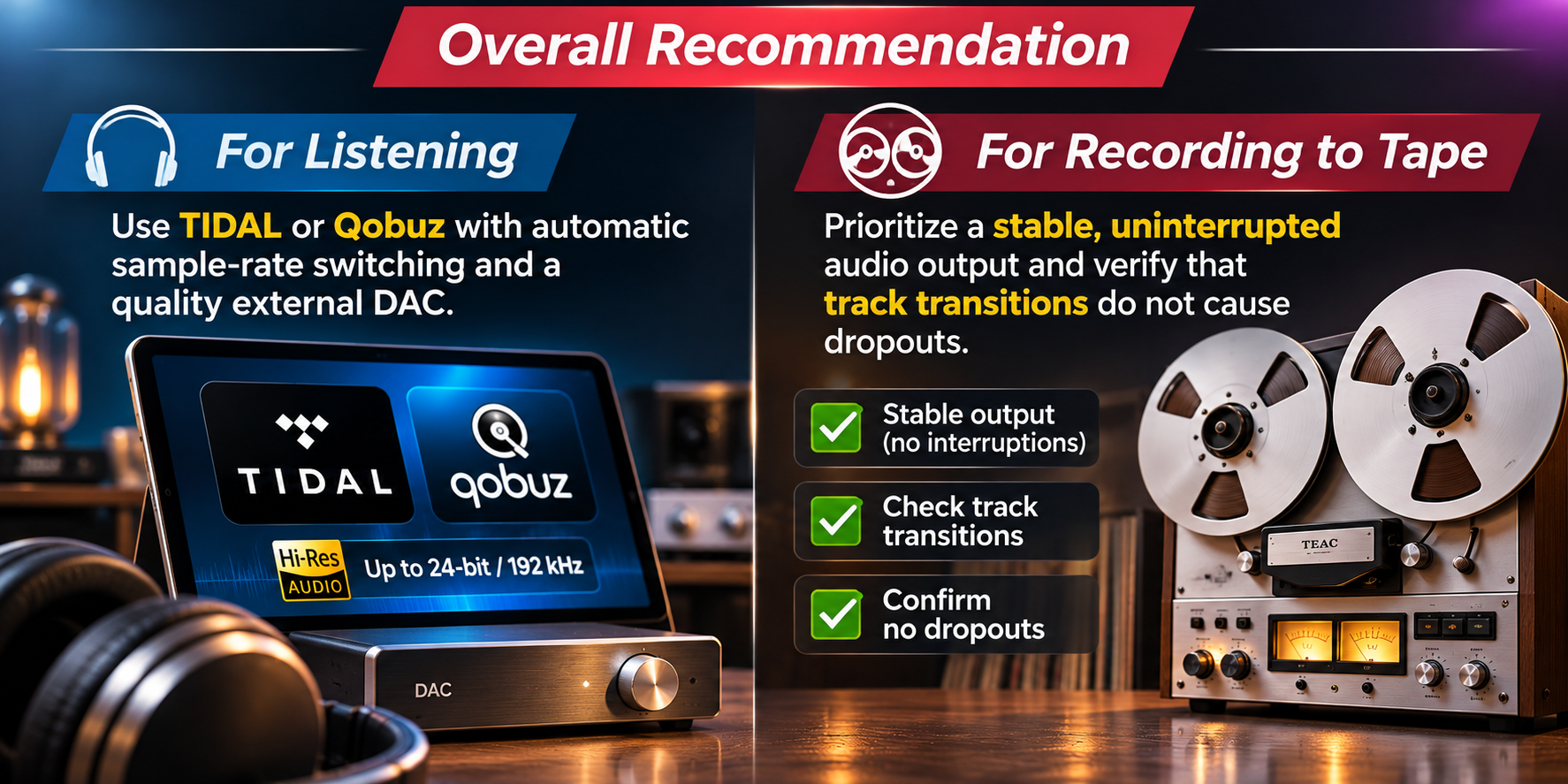
Overall recommendation
For listening: Use TIDAL or Qobuz with automatic sample-rate switching and a quality external DAC.
For recording to tape: Prioritize a stable, uninterrupted audio output and verify that track transitions do not cause dropouts.
ANALOG CLINIC — Keeping great audio sounding great.